Accessing Secure Files
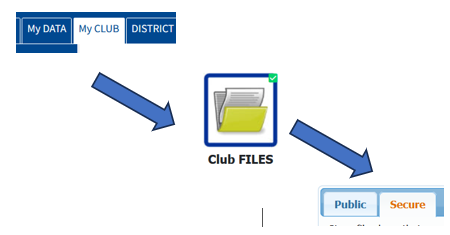
To access the secure documents archive, you must log in to DACdb, and use the Files feature under MyClub:
After you’re logged in:
- Go to DACdb.com (click here after you read, below)
- Click on My Club
- Click on Club Files
- Select the Secure tab
You’ll see folders and files listed where you can browse to find the information you need.